Text expander
Short shortcuts that type whole sentences for you. Try the ones below, or make your own.
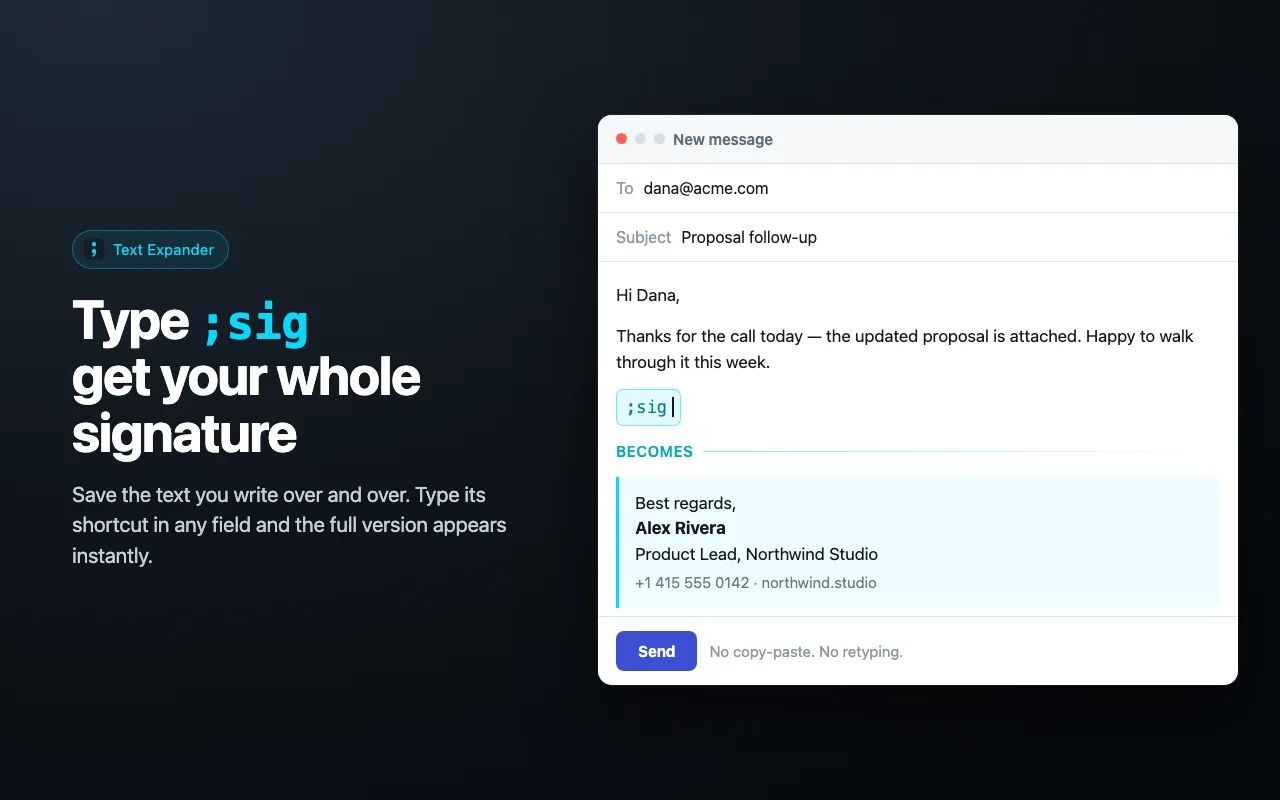
Use your shortcuts on every site
The free Text Expander extension does the same thing in Gmail, Slack, Google Docs, help desks and every other text box in Chrome. Save a phrase once, type the shortcut anywhere.
Add Text Expander to ChromeHow to use a text expander
- Pick a phrase you type over and over — an address, a thank-you, a meeting link.
- Give it a shortcut that starts with ; such as ;addr, and save it.
- Type the shortcut. It disappears and the full text takes its place.
Questions people ask
What is a text expander?
A tool that swaps a short abbreviation for a longer piece of text as you type. You type ;addr, and your full postal address appears in its place.
Why do shortcuts start with a semicolon?
Real words never start with ;, so the shortcut fires only when you mean it. Typing “this” will never trigger a shortcut called “hi”.
Are the shortcuts I make here saved?
Yes, in this browser only. They are stored on your device and never sent anywhere. Clear site data and they are gone.
Can I put today’s date in a snippet?
Yes. Write {date} or {time} in the text, and the current date or time is filled in at the moment the shortcut expands.
Does this work in Gmail, Slack and other sites?
This page is a playground. To expand shortcuts in Gmail, Slack, Google Docs, help desks and any other text field, add the free Text Expander extension for Chrome.
Is it free?
Yes. The playground and the extension are free, with no account to create.