Rotate PDF pages
Turn a sideways scan the right way up and save the fixed copy. Everything happens in this tab — the file never leaves your computer.
Drop a PDF here
Rotate without opening this page
The free Rotate PDF extension does the same thing from any tab: open a PDF in Chrome, click the icon, turn the pages, save. No site to find, no file to drag.
Add Rotate PDF to ChromeHow to rotate a PDF
- Open the file. Drop it on the desk above or press “Choose PDF”.
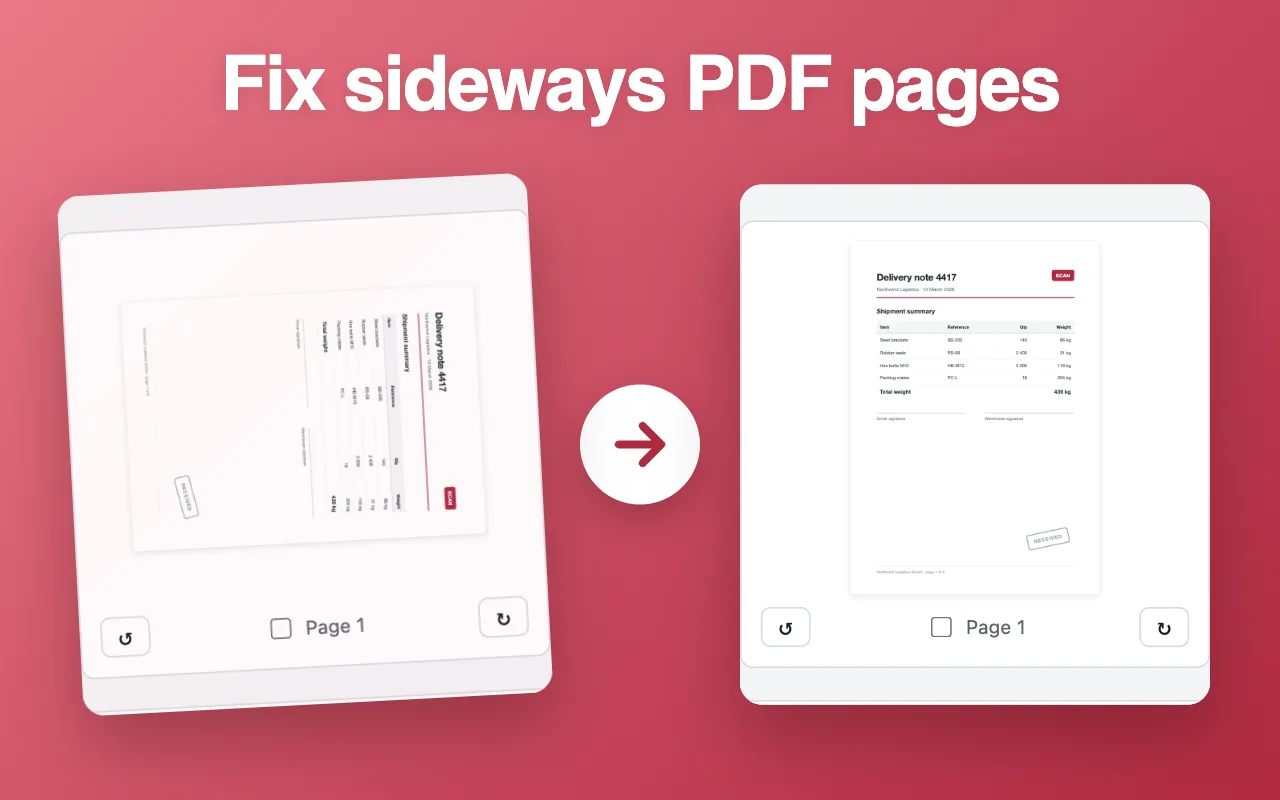
- Turn the sideways pages. Grab a page and twist it, or use the arrows under it. “Turn all” fixes a file that came out of the scanner wrong from start to finish.
- Save. “Save rotated PDF” downloads a copy that opens the right way up everywhere.
Questions people ask
Is my PDF uploaded anywhere?
No. The file is read and saved by your own browser. Nothing is sent to a server, so it works for contracts, medical letters and anything else you would not email to a stranger.
Will rotating break text, links or form fields?
No. Only the page orientation flag changes. Text stays selectable, links keep working and filled-in form fields stay filled.
Can I rotate just one page?
Yes. Turn any single page with its arrows or by dragging it. The other pages stay as they are.
Why does my file say it is password-protected?
The PDF is encrypted. Remove the password in the app that created it or in your PDF reader, then open it here again.
Is the rotation permanent?
Yes. The saved copy opens the right way up in every reader, on phones too. Your original file is not changed.
Is there a page or size limit?
No fixed limit. Large scans of a few hundred pages work; very large files depend on how much memory your browser has.