
Text Expander
Type ;addr and your saved text appears — anywhere in Chrome.
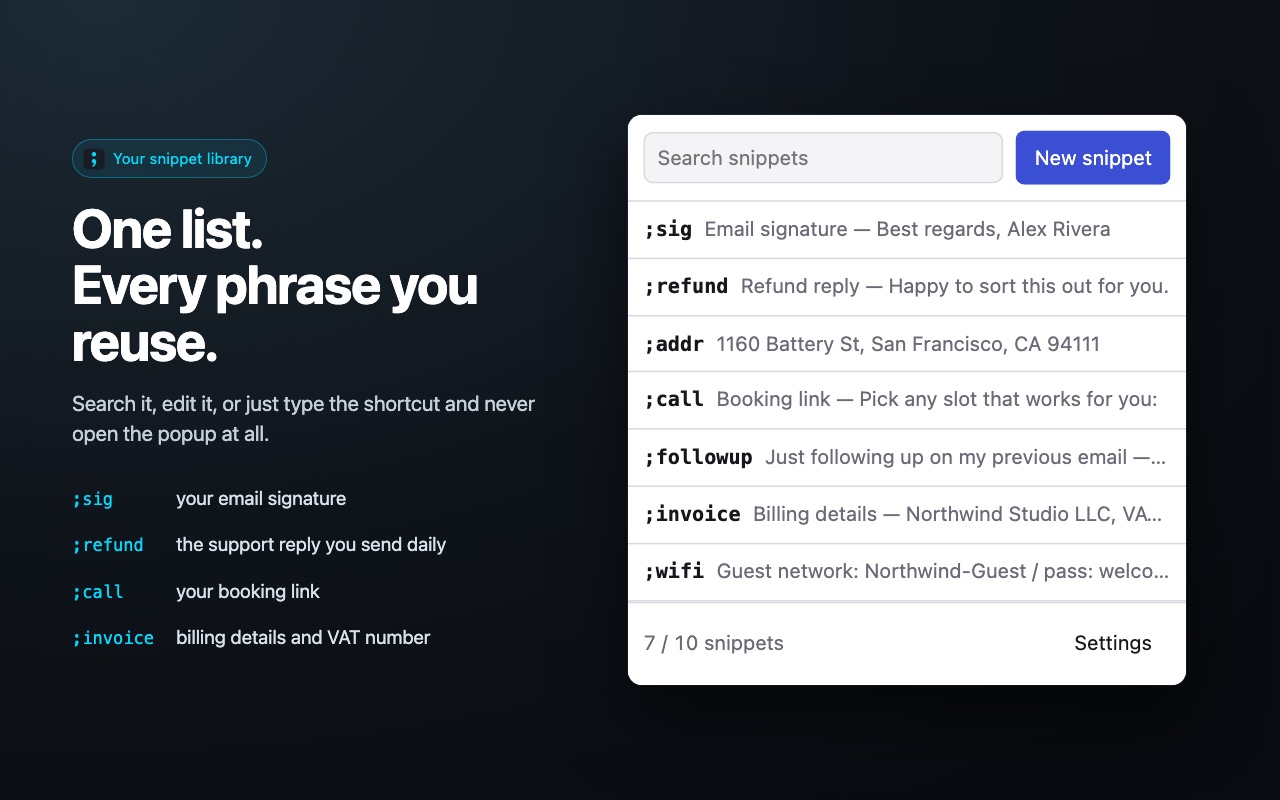
Save the phrases, paragraphs and replies you write over and over, give each one a shortcut like ;addr or ;thanks, and the saved wording appears the moment you type it. Works in Gmail, help desks, CRMs and any text field on any site.
How it works
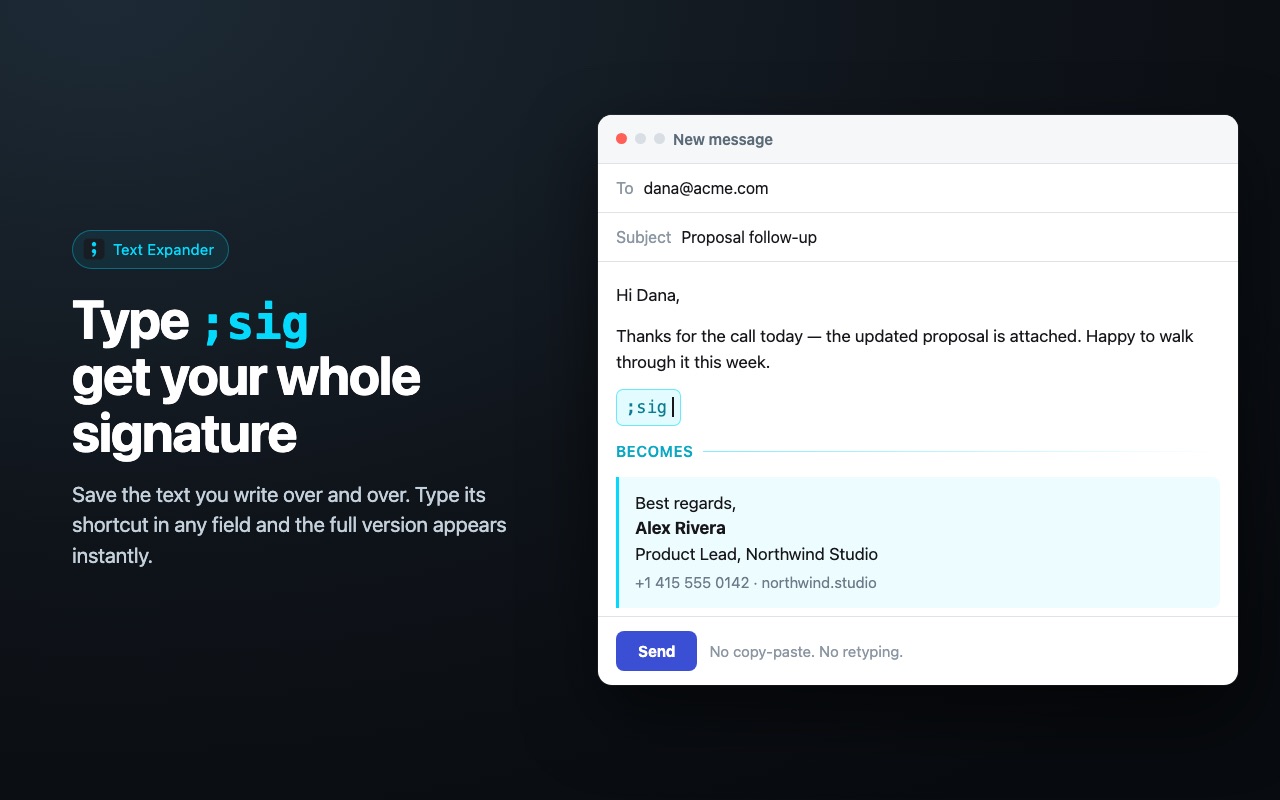
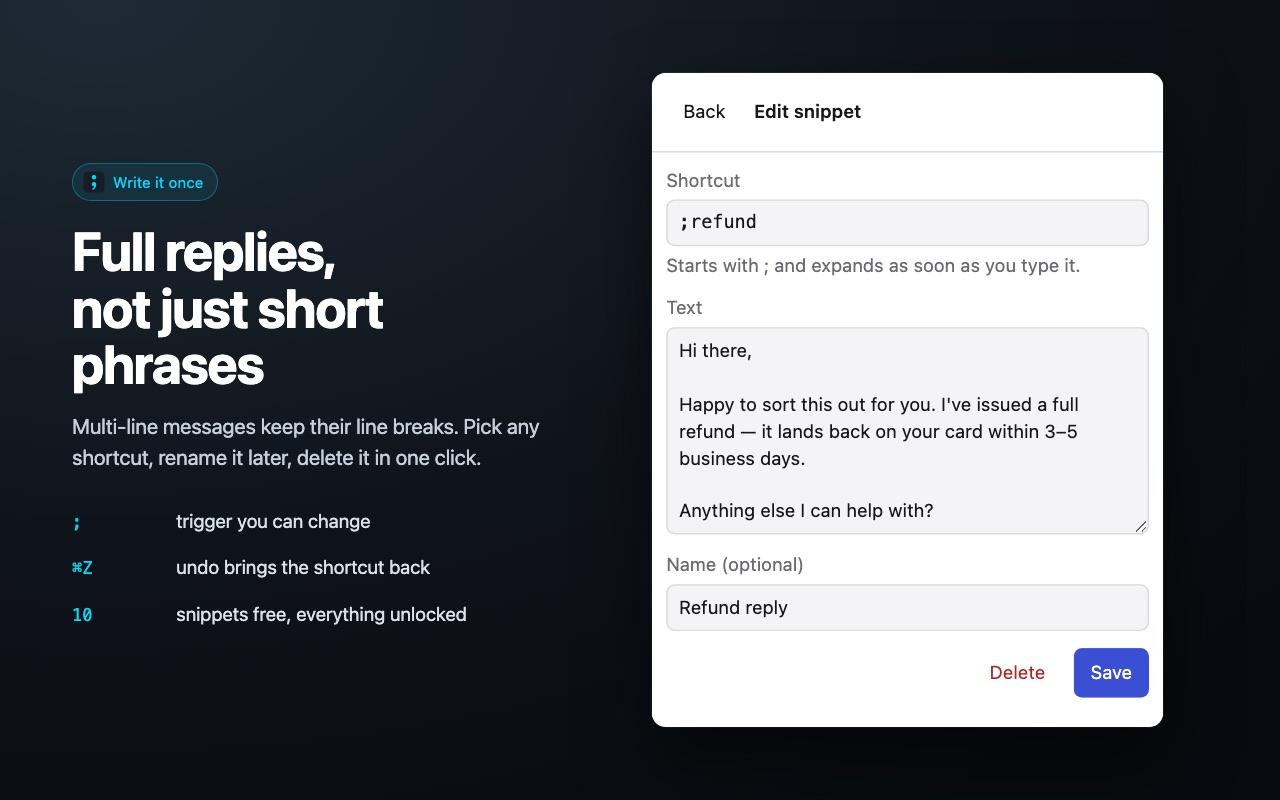
- Create a snippet: a shortcut such as ;sig and the text it stands for.
- Type ;sig in any field on any website.
- The shortcut disappears and the saved paragraph takes its place, cursor right where you left off.
What you get
- Email signatures with name, title, phone and links
- Canned responses for refunds, delays and password resets
- Code blocks, addresses and legal boilerplate
- Works in every editable field, including rich text editors
- Snippets stay on your machine — nothing is uploaded
Screenshots
Questions
- Does it work in Gmail and Google Docs?
- Yes. The expansion runs in any editable field in Chrome, including Gmail, Google Docs, help desk consoles and CRM forms.
- Where are my snippets stored?
- In your browser's local storage. Nothing is sent to a server and there is no account to create.
- Can I change the trigger character?
- Yes. The semicolon is the default; you can pick a different prefix in the options page.
Install it
Free, no account, works right after install.
Add to Chrome — free