
Rotate PDF
Open a file and rotate PDF pages right in the browser: a pdf rotator that fixes sideways scans and saves the corrected copy.
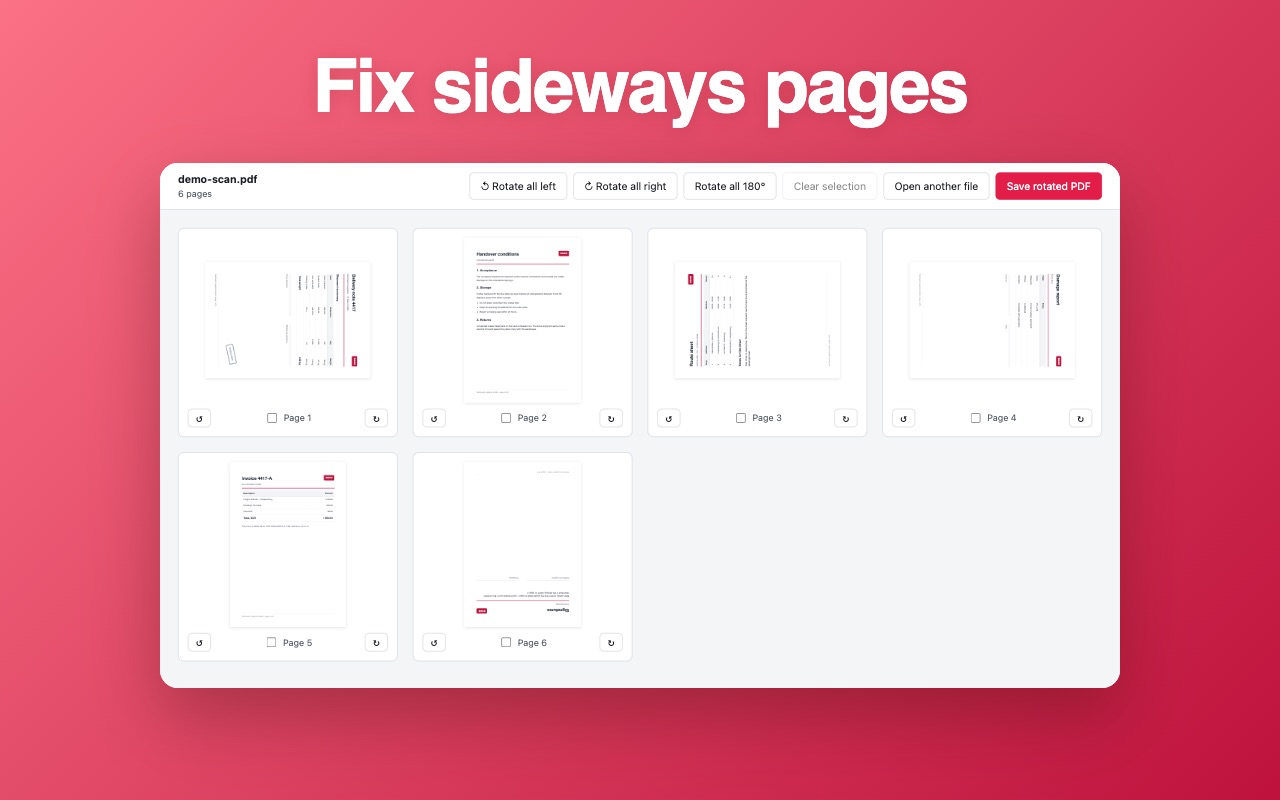
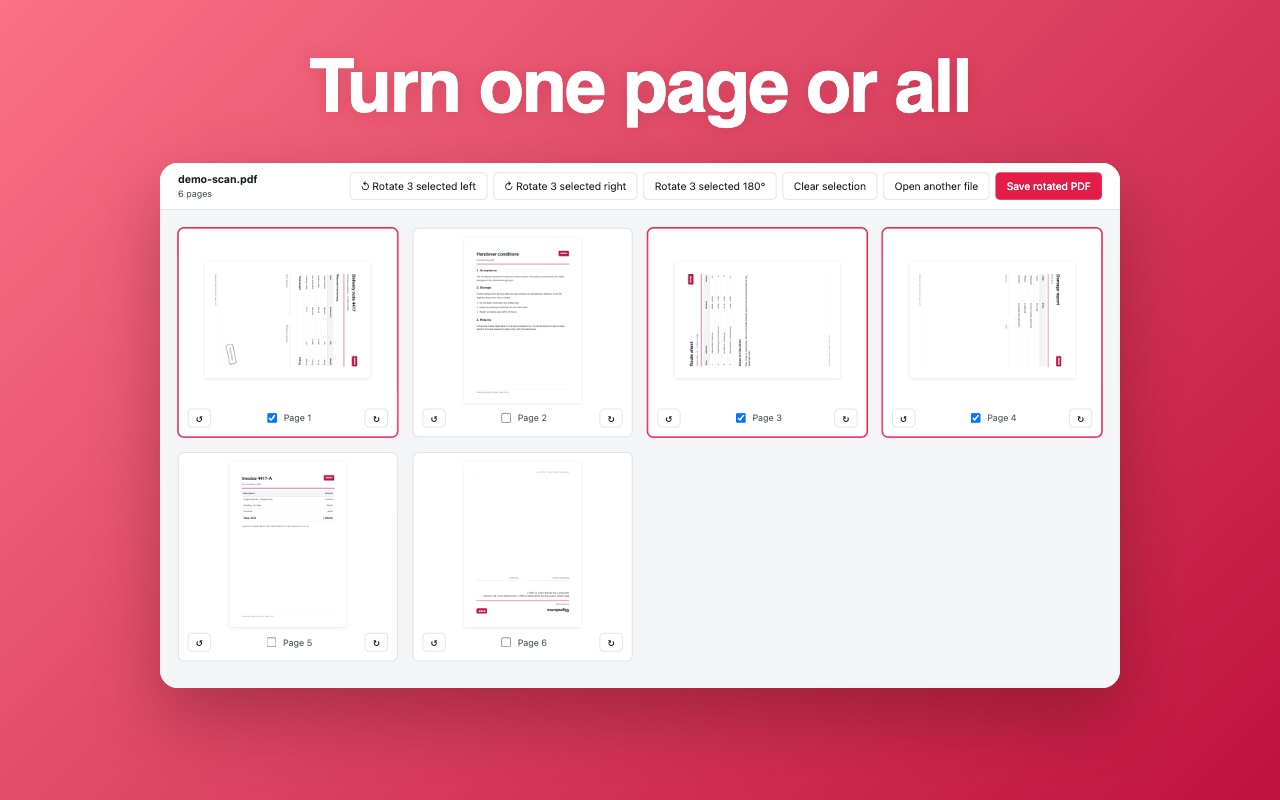
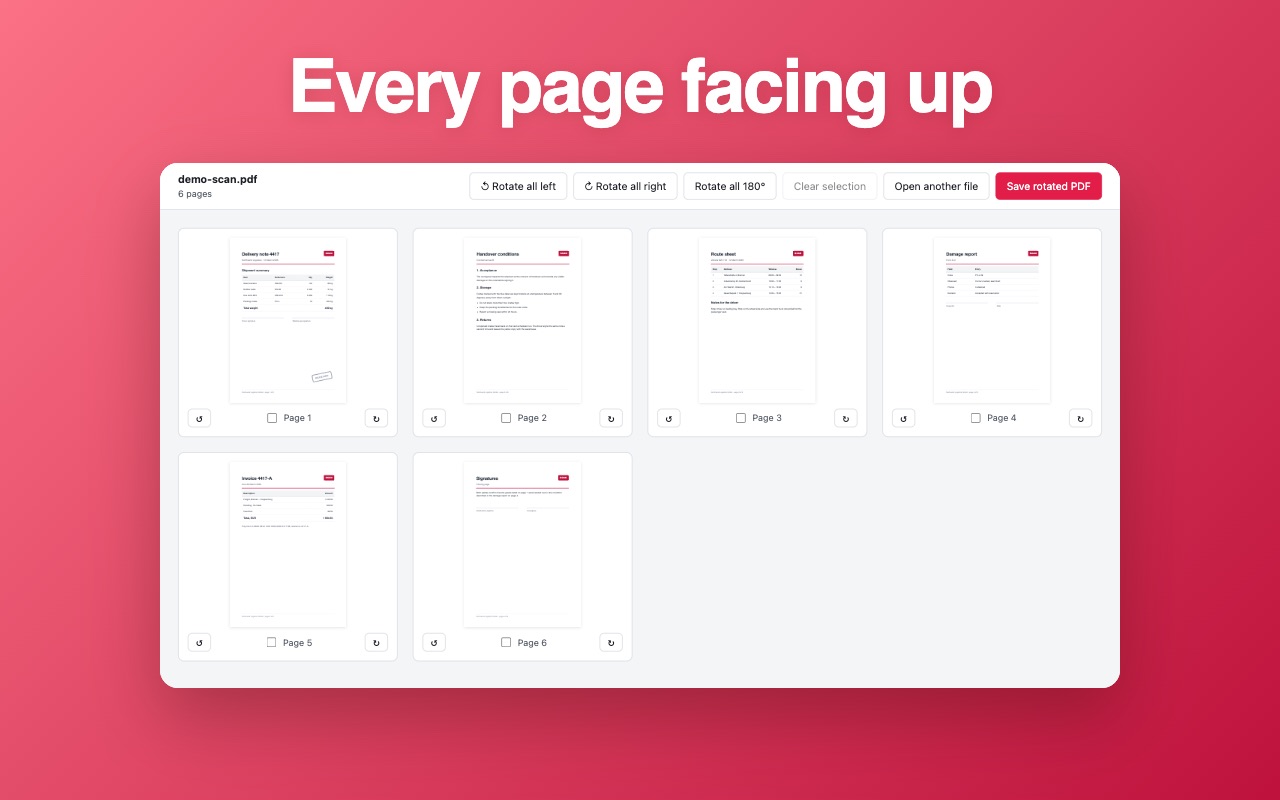
Drop a PDF into the window and every page shows up as a thumbnail: turn one sheet, a ticked selection or the whole document, then download the corrected copy. The rotation is written into the file itself, so the document opens the same way on a colleague's screen. Nothing is uploaded — there is no server, no account and no upload step, so a payslip or a medical form stays on your disk.
How it works
- Open the extension and pick a PDF from your computer.
- Click the arrows to rotate pages left, right or by 180 degrees.
- Press Save and the rotated document lands in your downloads folder.
What you get
- One page, a ticked selection or the whole document — the same single click
- 90° clockwise, 90° counter-clockwise and 180° for the sheet that went in upside down
- The rotation is written into the file, not into a viewer setting
- Thumbnails large enough to read the page number before you turn it
- Page size, text and links survive the rotation, so nothing needs a redo
- The original stays untouched: you always download a new copy
Screenshots
Questions
- Does the file leave my computer?
- No. The document is read and rewritten inside your own browser: no server, no account, no upload step.
- Can I rotate a single page instead of all of them?
- Yes. Every page has its own control, so one sheet can end up at 90 degrees while its neighbour stays as it was.
- Will it straighten a scan that is tilted by a couple of degrees?
- No. Rotation works in clean 90-degree steps; a small tilt is a job for a scanning app.
Install it
Free, no account, works right after install.
Add to Chrome — free