
Markdown Table Generator
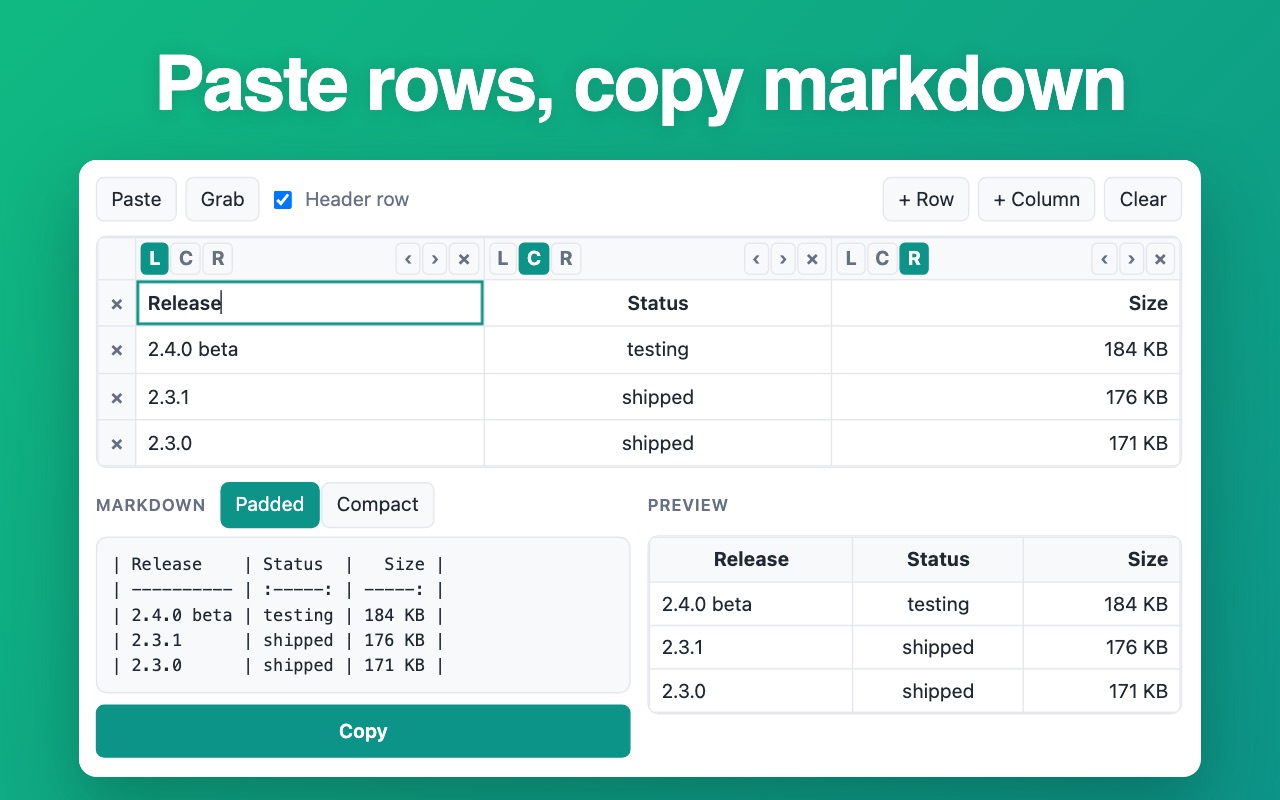
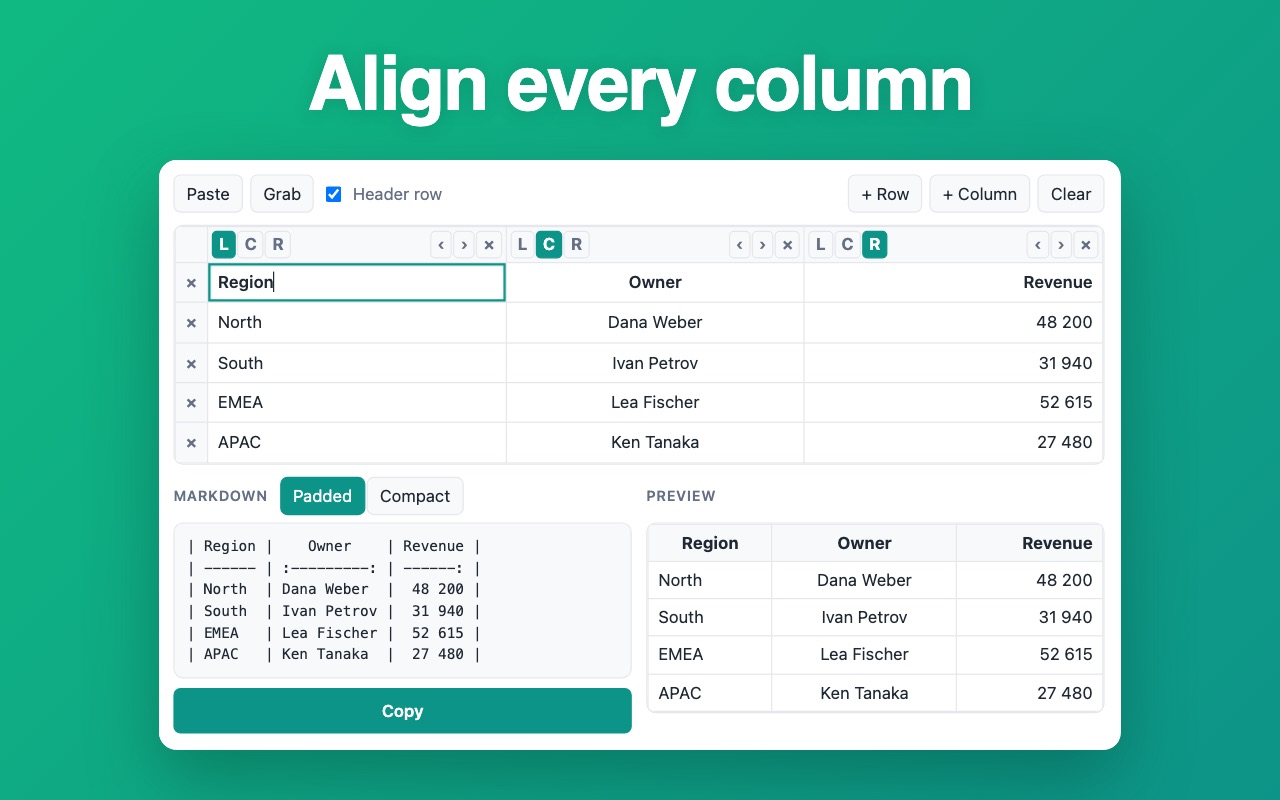
Fill the grid or paste csv rows: a markdown table generator that aligns every column and copies the table in markdown syntax.
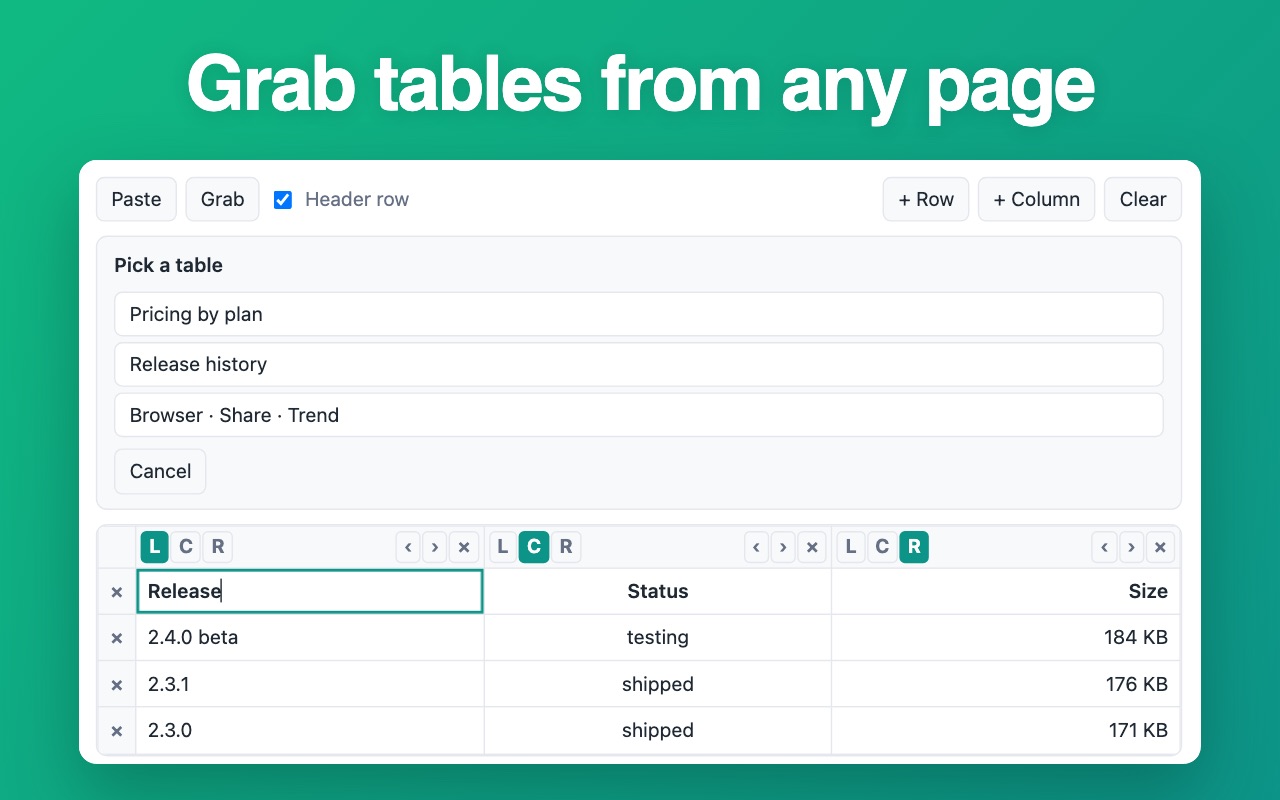
Type rows into a small grid or paste them straight from Excel, Google Sheets, Notion or a CSV file, and the popup writes the markdown table for you. Alignment, the header row and escaping are handled in one click, and Grab pulls a table off the page you are reading. Everything is computed in the tab: no account, no upload, no server.
How it works
- Open the popup and type into the grid, or paste rows you already have.
- Choose the alignment for every column and switch the header row on or off.
- Press Copy and drop the markdown table into your README, issue or notes.
What you get
- Paste from Excel, Google Sheets, Notion or plain CSV — columns stay intact
- Left, centre and right alignment written as proper GFM colons
- Grab reads any table off the page you are on, one press, one time
- Padded and compact output: readable raw block or the shortest diff
- Paste an existing markdown table back and the grid comes apart again
- Pipes and line breaks inside cells are escaped instead of breaking the row
Screenshots
Questions
- Does it work offline?
- Yes. The whole generator runs on local code in the tab, with no network access and no account.
- Can it read a markdown table I wrote earlier?
- Yes. Paste the block back into the popup and the cells return, alignment included.
- Does it change the page I grab a table from?
- No. The page is read once, when you press Grab, and nothing is written back to it.
Install it
Free, no account, works right after install.
Add to Chrome — free