
Attendance Tracker
Capture the participant list of a live meeting in one click.
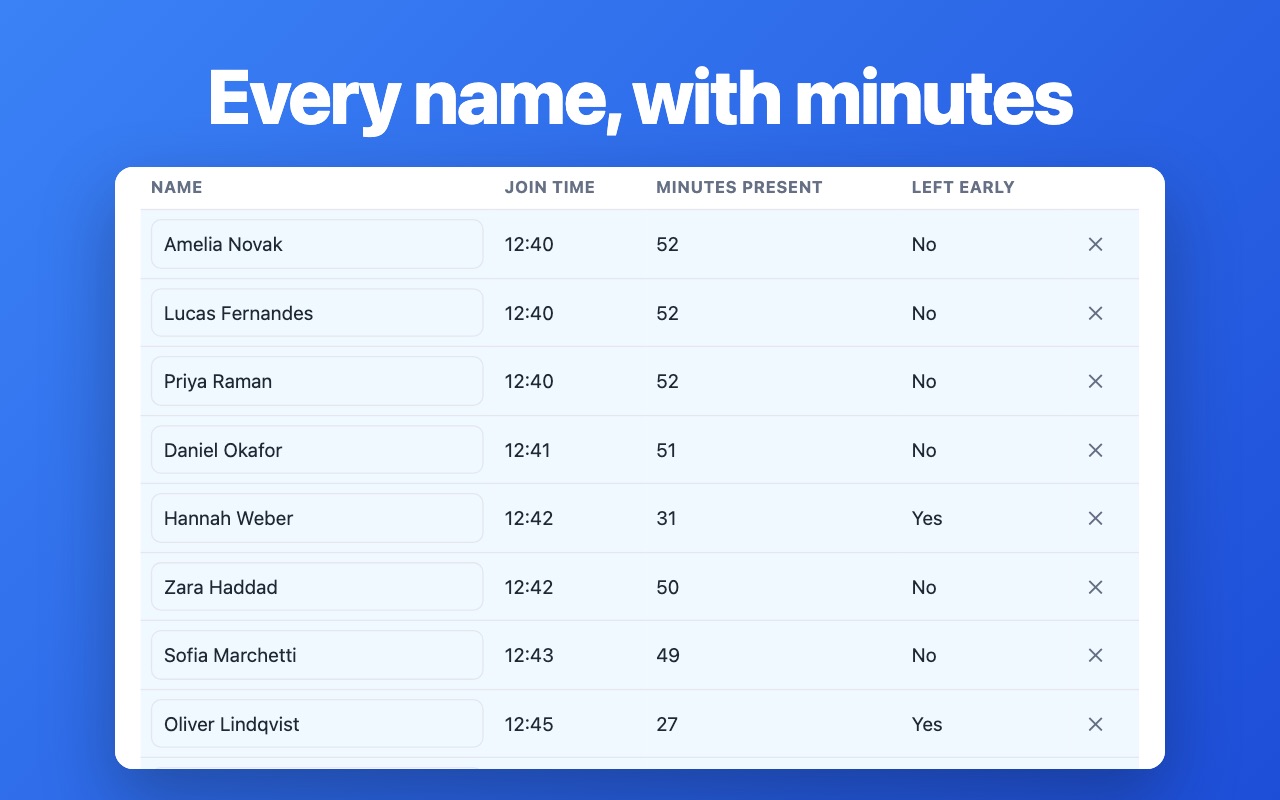
One click while the call is running, and every name on screen lands in a table with the date, the join time and the length of stay. No spreadsheet on a second monitor, no name typed twice, no signup wall.
How it works
- Open the participants panel in your meeting so every name is visible.
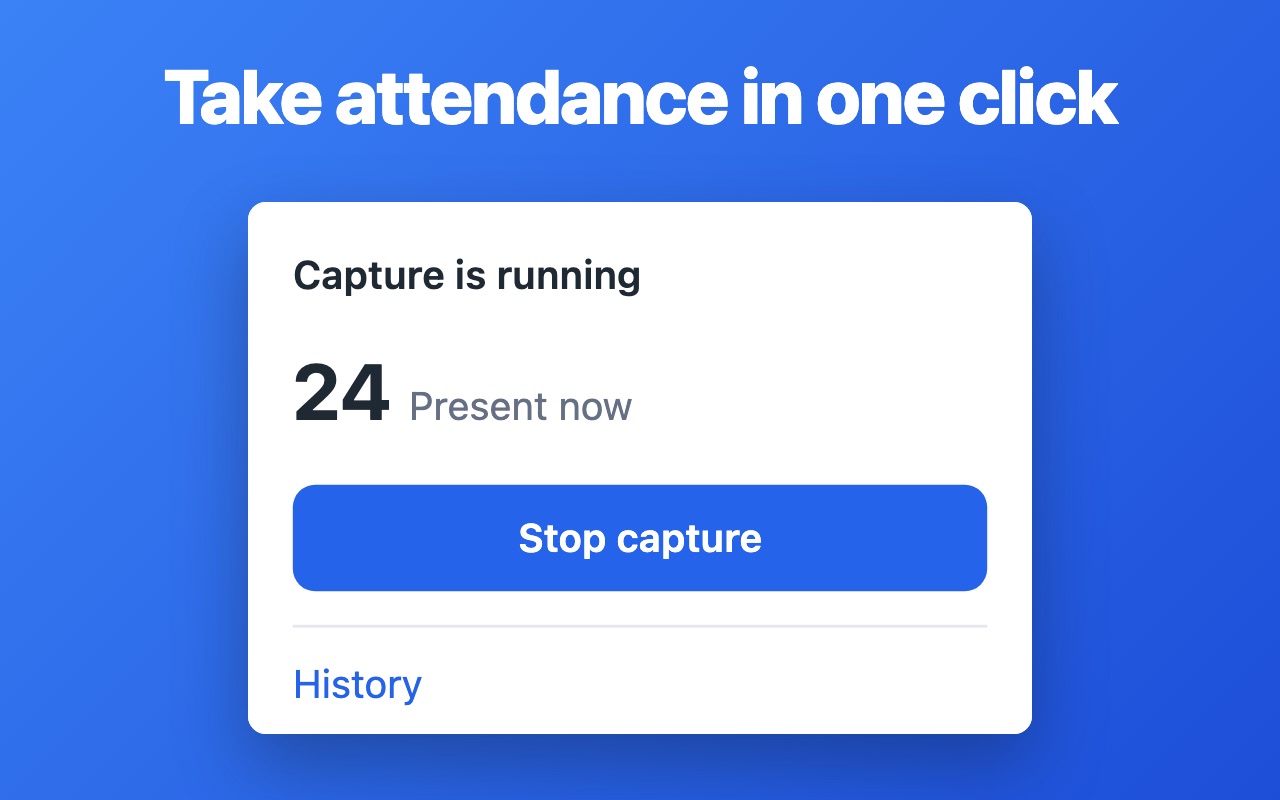
- Press the toolbar button and the capture starts on that list.
- Stop the capture — the roll call is saved, ready to open or download.
What you get
- Full name of every participant, exactly as it appears in the meeting
- Date of the session and the time each person joined
- Minutes present, so a late arrival is visible without a stopwatch
- Live counter of who is present while the meeting is still going
- Session history kept on your machine, searchable by date and title
Screenshots
Questions
- Which meetings are supported?
- Google Meet calls opened in Chrome, with the participants panel visible.
- Can I export the roll call?
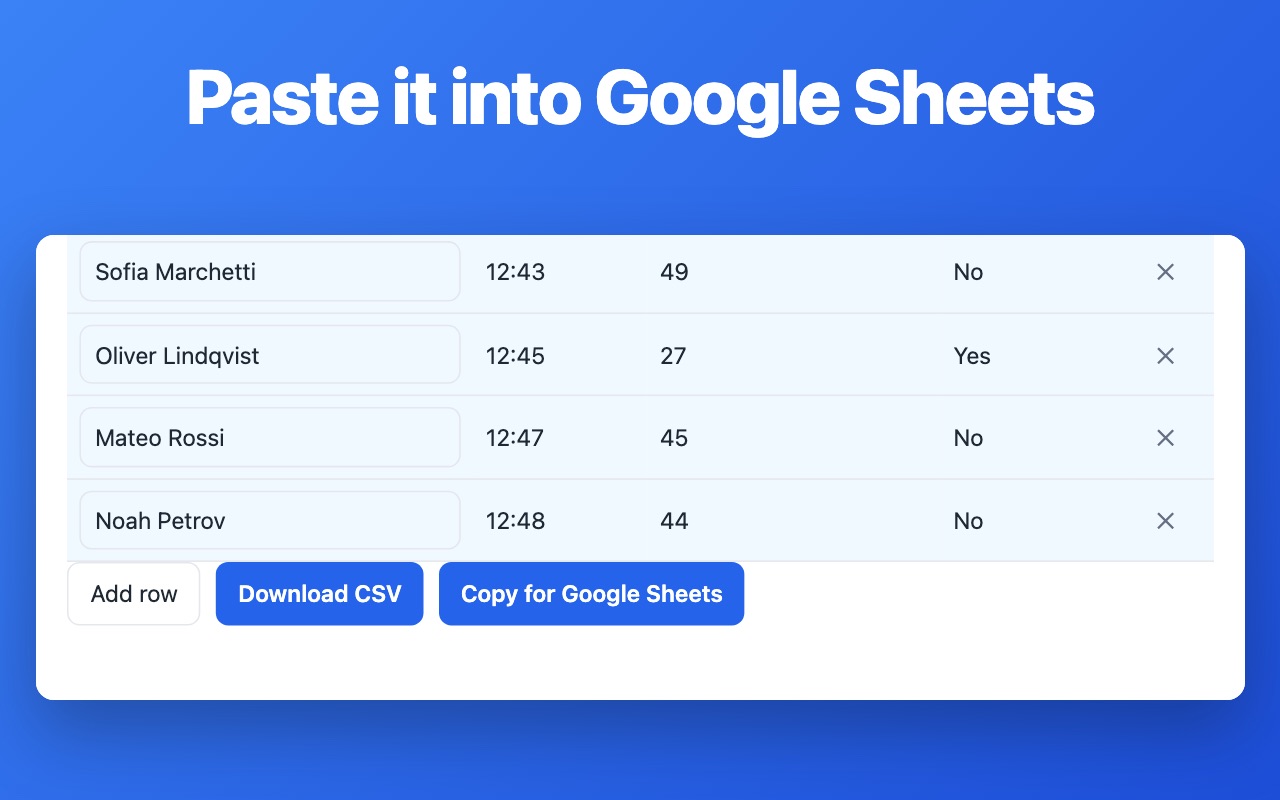
- Yes. A session can be downloaded and pasted straight into Google Sheets or Excel.
- Does it record the meeting?
- No. It only reads the names on the participants panel — no audio, no video, nothing leaves your machine.
Install it
Free, no account, works right after install.
Add to Chrome — free